Transfer Token Ownership
You can create Transfer Token Ownership Proposal requests for all Ownerships. Once the request is created, it will require confirmation from an Administrator. After approval, the token ownership will be transferred to the new address.
Ownership Transfer Procedure
- Access the Proposals/Transfer Token Ownership Proposal screen.
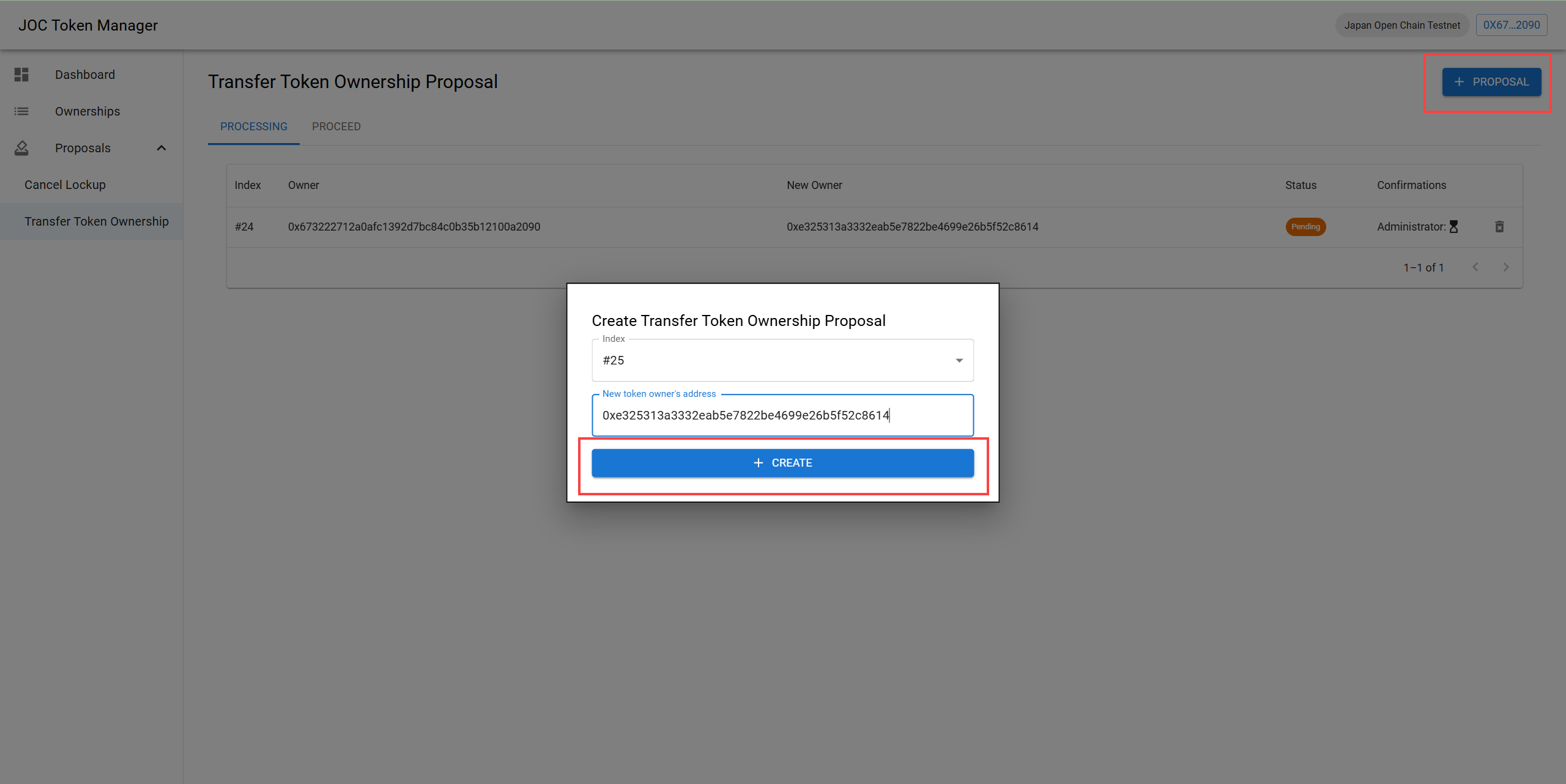
- Click the [+PROPOSAL] button.
- Once the popup appears, select the ownership, enter the new token address, and then click the [+CREATE] button.
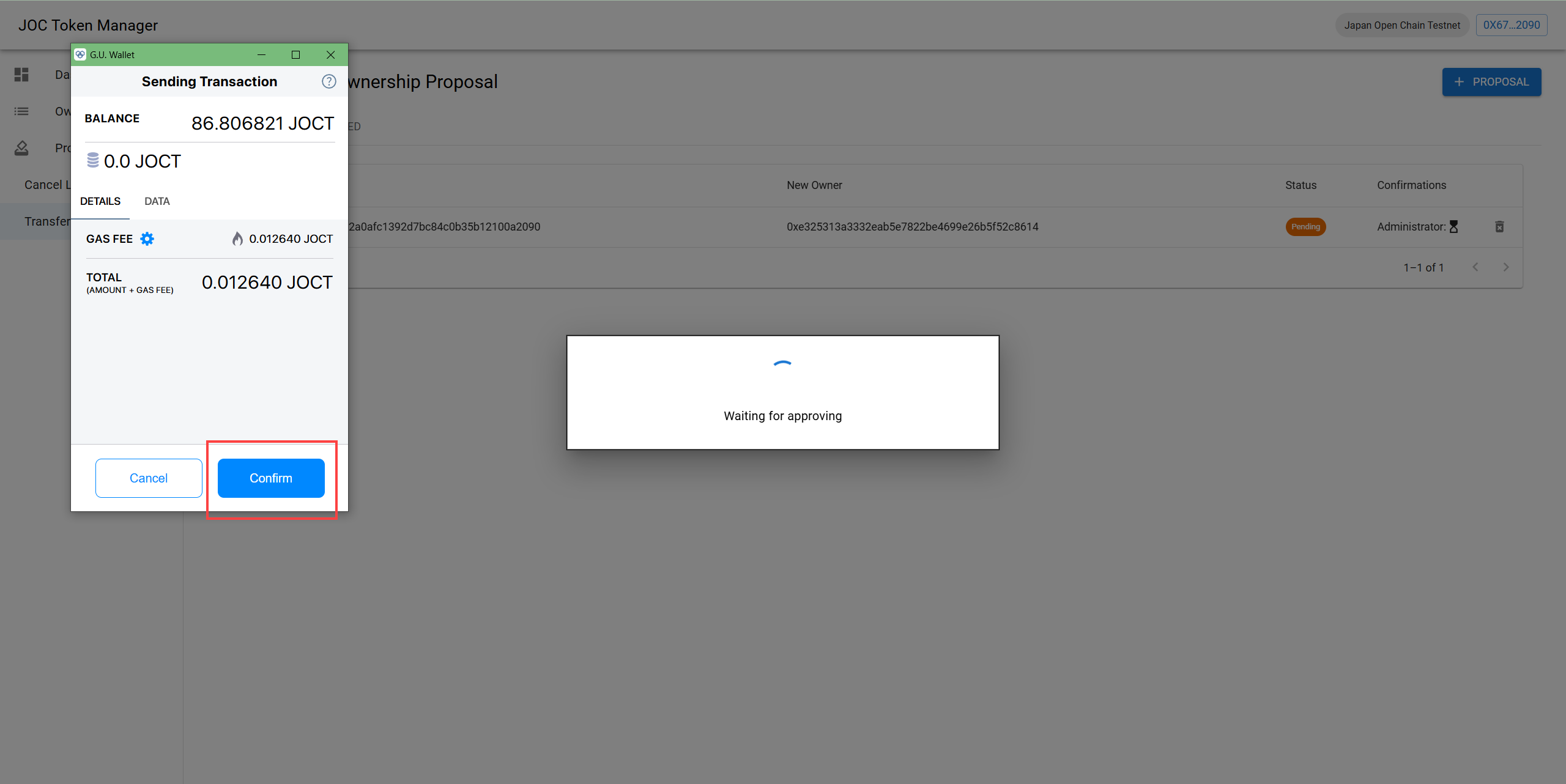
- In the wallet confirmation popup, click the [Confirm] button.
- Once the transfer token ownership proposal request is successfully created, a success notification will be displayed on the screen.
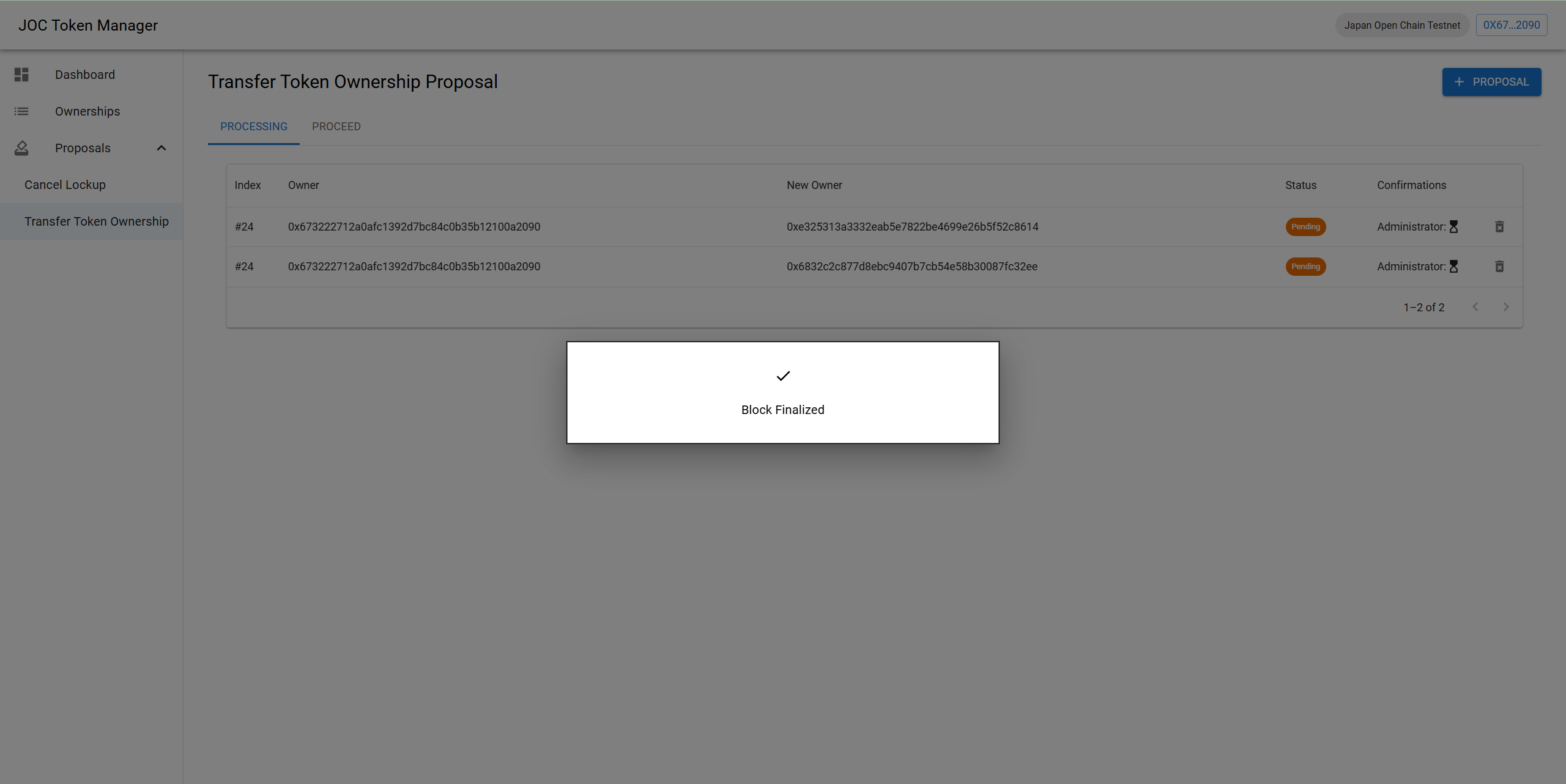
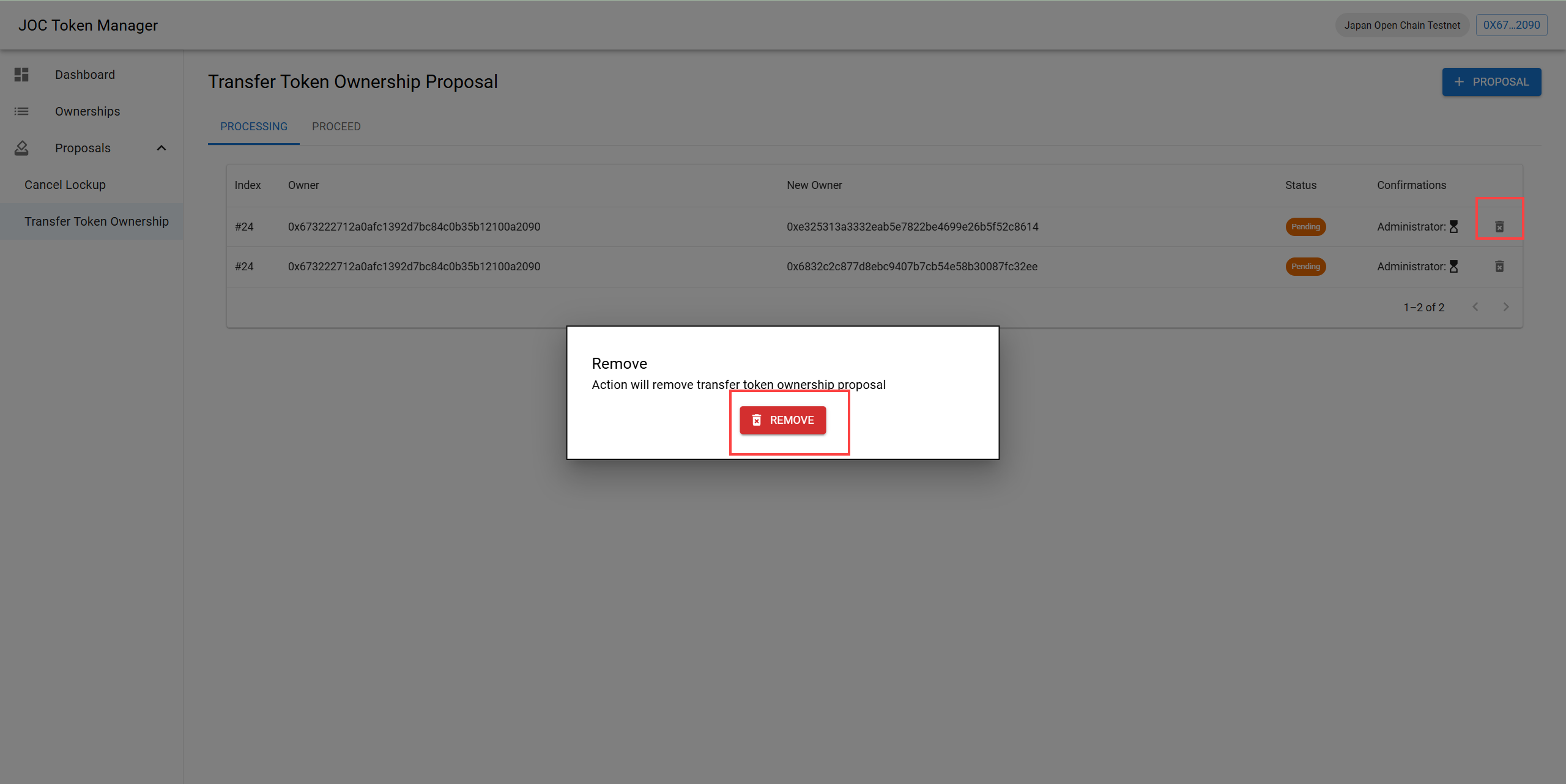
- If you want to remove the created request, click the trash icon, then click the confirm button.
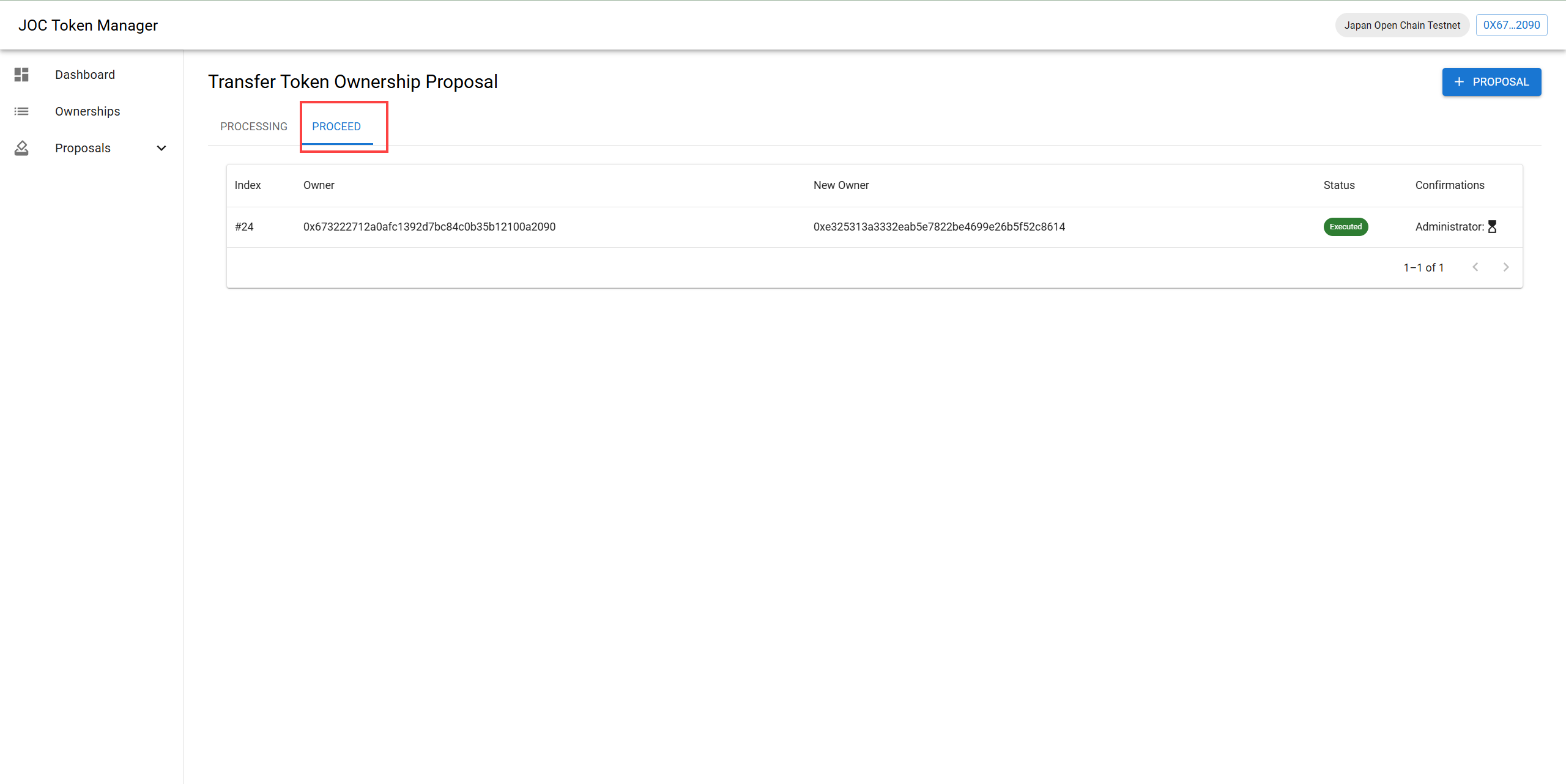
- The Transfer Token Ownership Proposal requests that have been approved will be displayed in the Proceed tab.