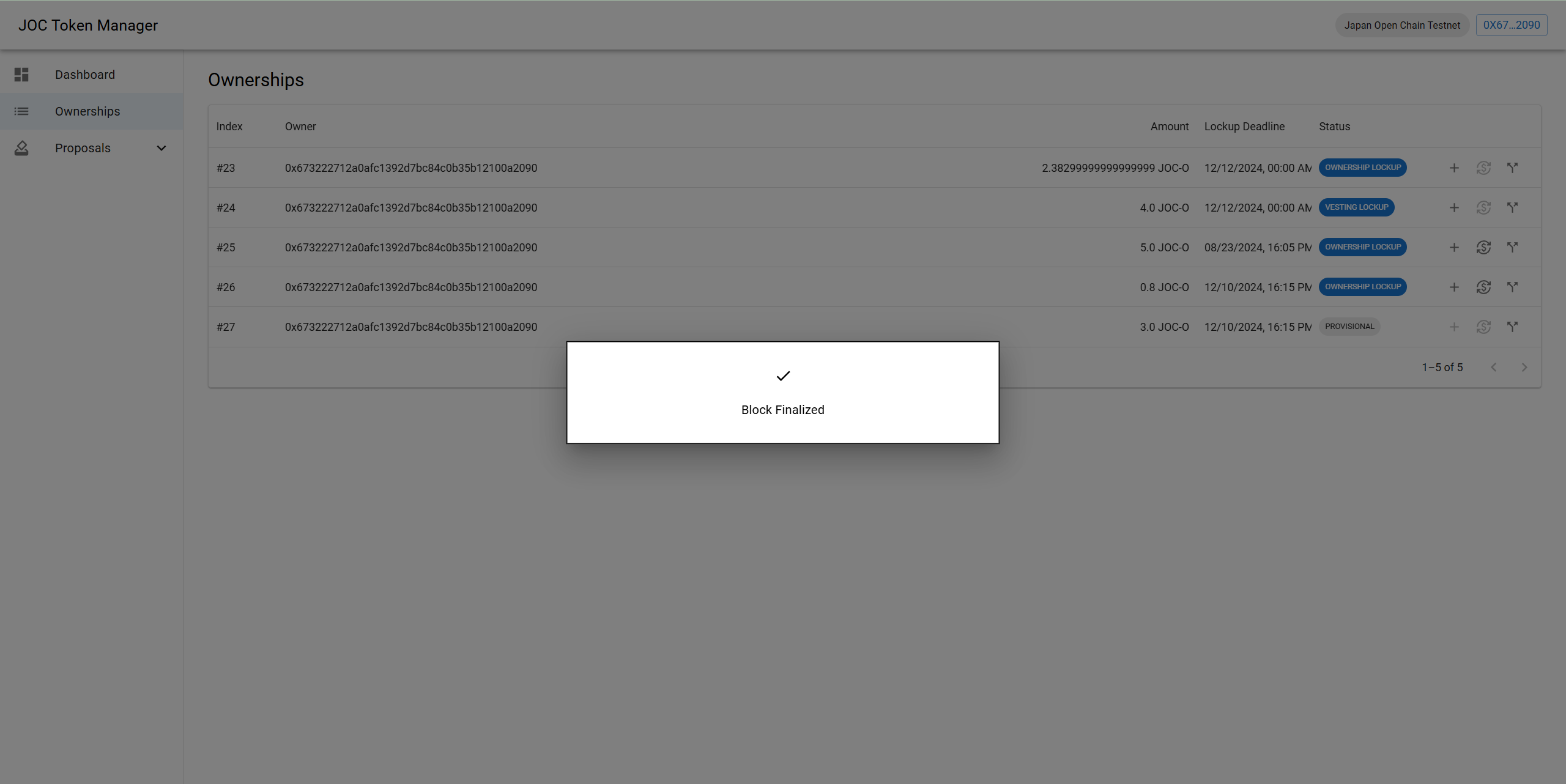
Ownerships
The JOC Token Manager - Ownerships screen will display the list of Ownerships. On this screen, you can perform the following actions:
- Extend Lockup Period
- Withdraw Token
- Split Ownership
Extend Lockup Period
The Lockup deadline can be extended by performing the Extend Lockup Period action. Note: This action can only be performed when the Ownership status is OWNERSHIP LOCKUP or VESTING LOCKUP.
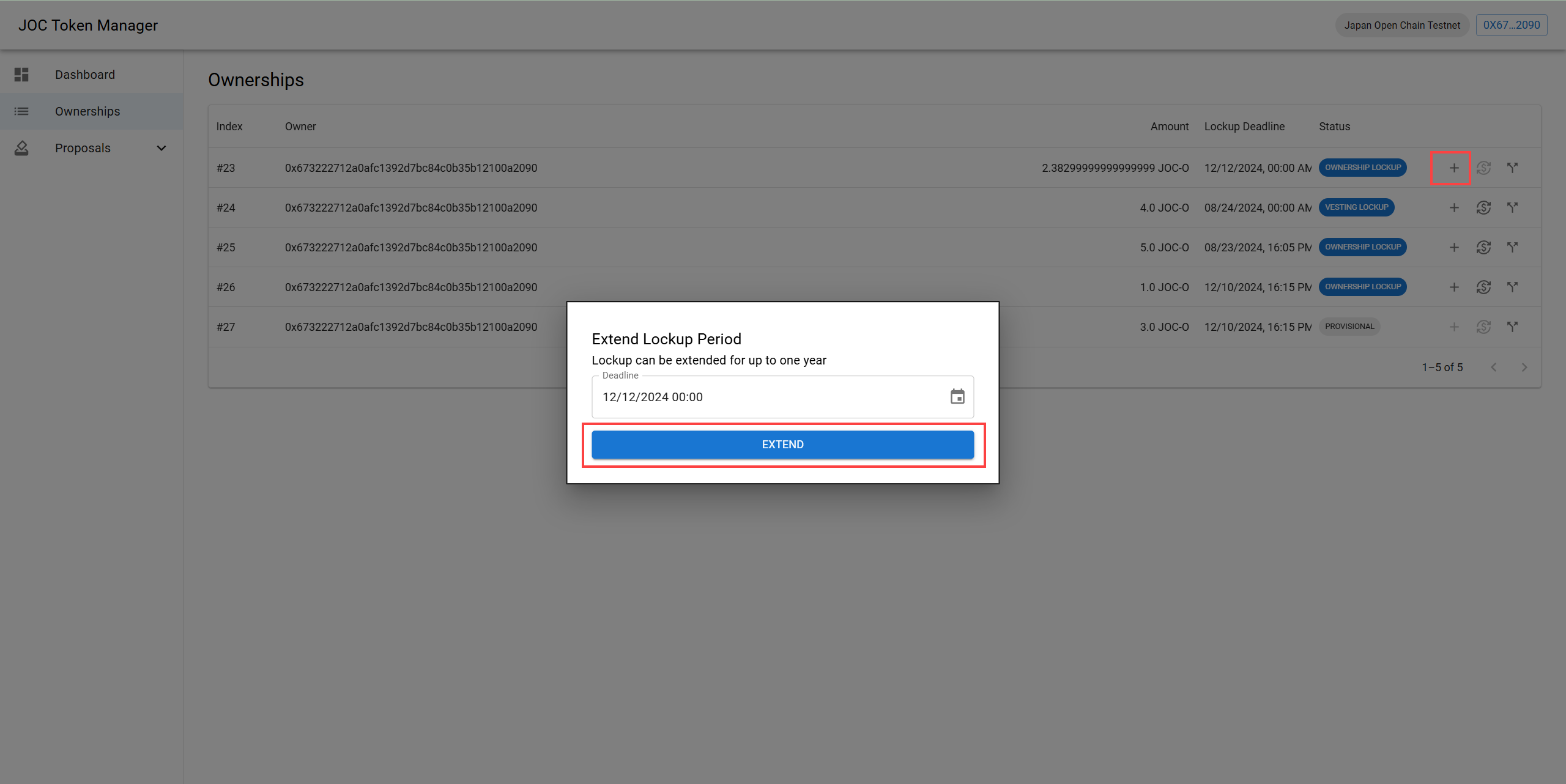
- Click the [+] button in the Ownership section to edit.
- A popup for adjusting the date will appear. Select the desired date to change and click the [Extend] button.
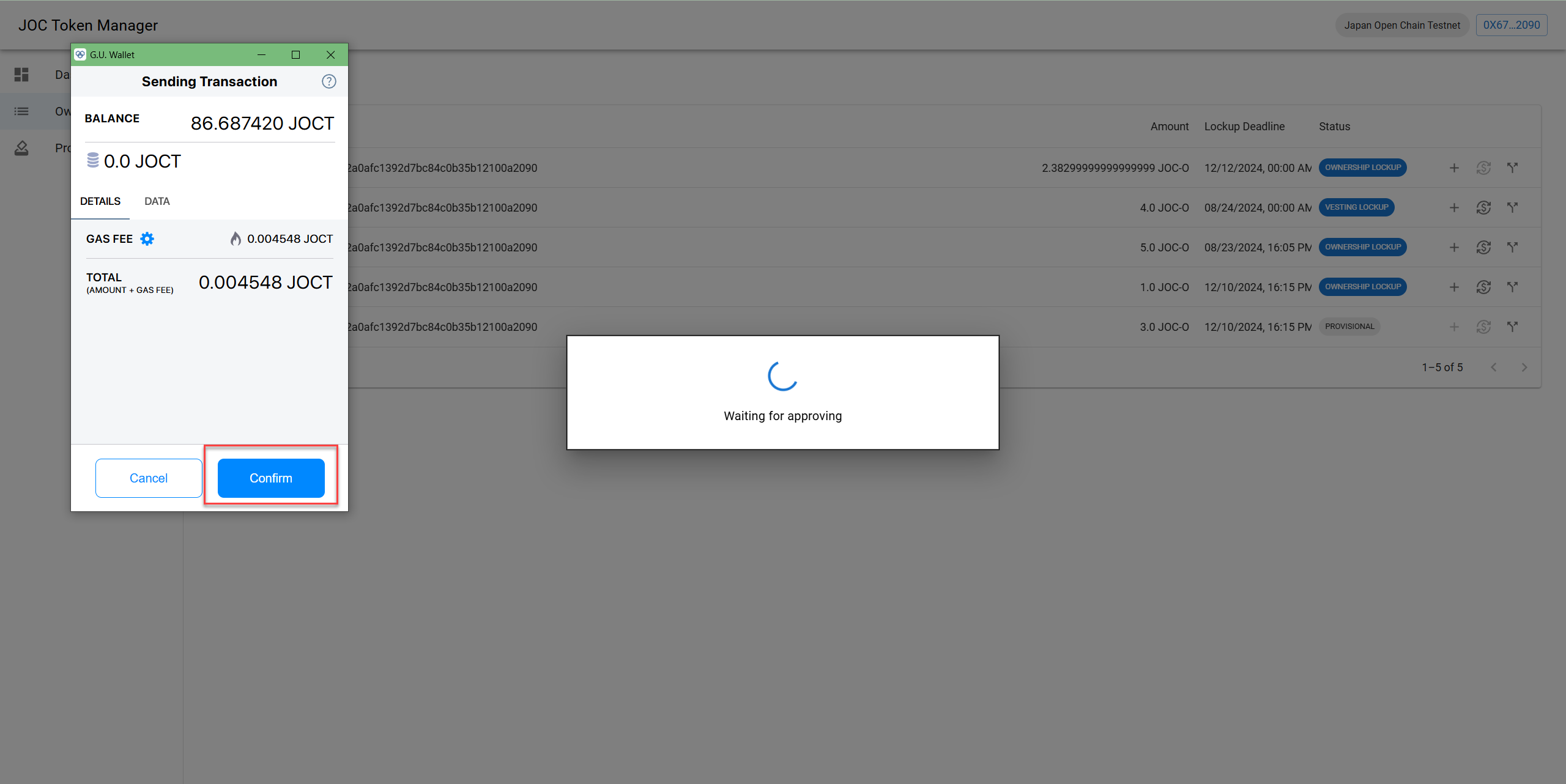
- In the wallet confirmation popup, click the [Confirm] button.
- After confirmation, the Lockup Period will be updated.
Withdraw Token
The Token Withdrawal action can only be performed when the Ownership status is OWNERSHIP LOCKUP or VESTING LOCKUP, and the Lockup Period has expired.
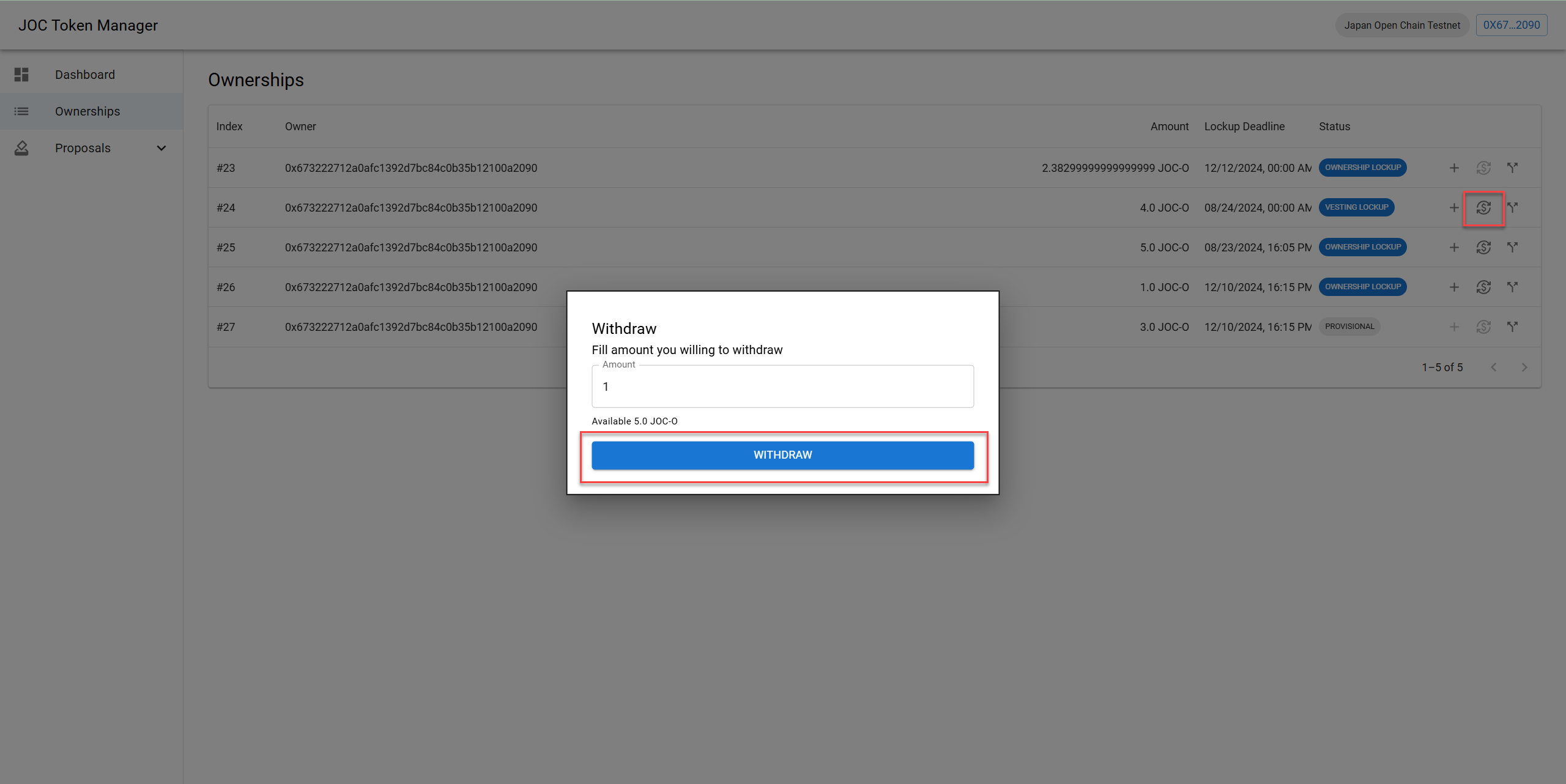
- Click the [+] button in the Ownership section to initiate Withdrawal.
- Enter the amount and click the [Withdraw] button.
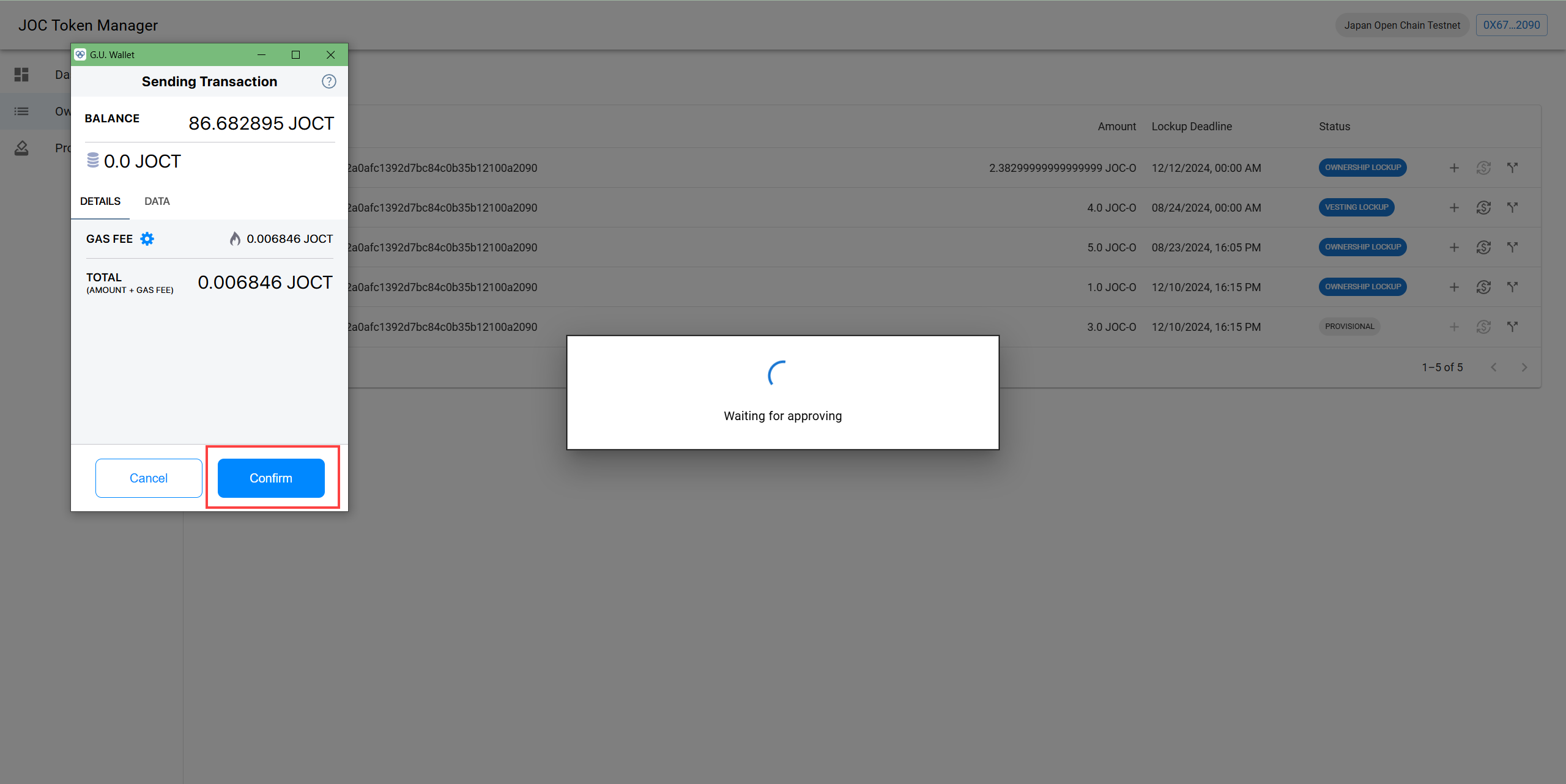
- In the wallet confirmation popup, click the [Confirm] button.
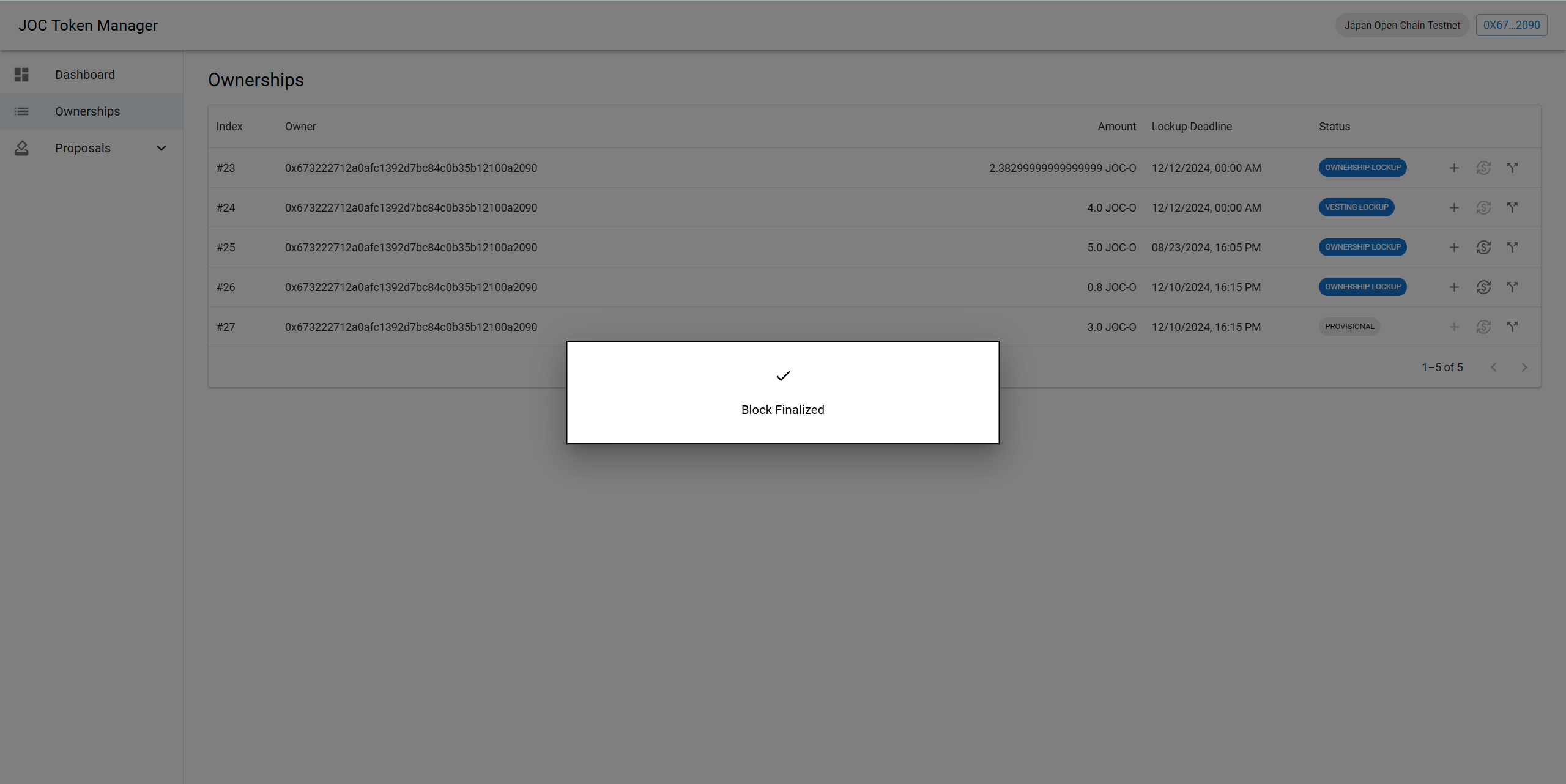
- Withdrawal successful notification screen is displayed.
Split Ownership
You can split all existing Ownerships.
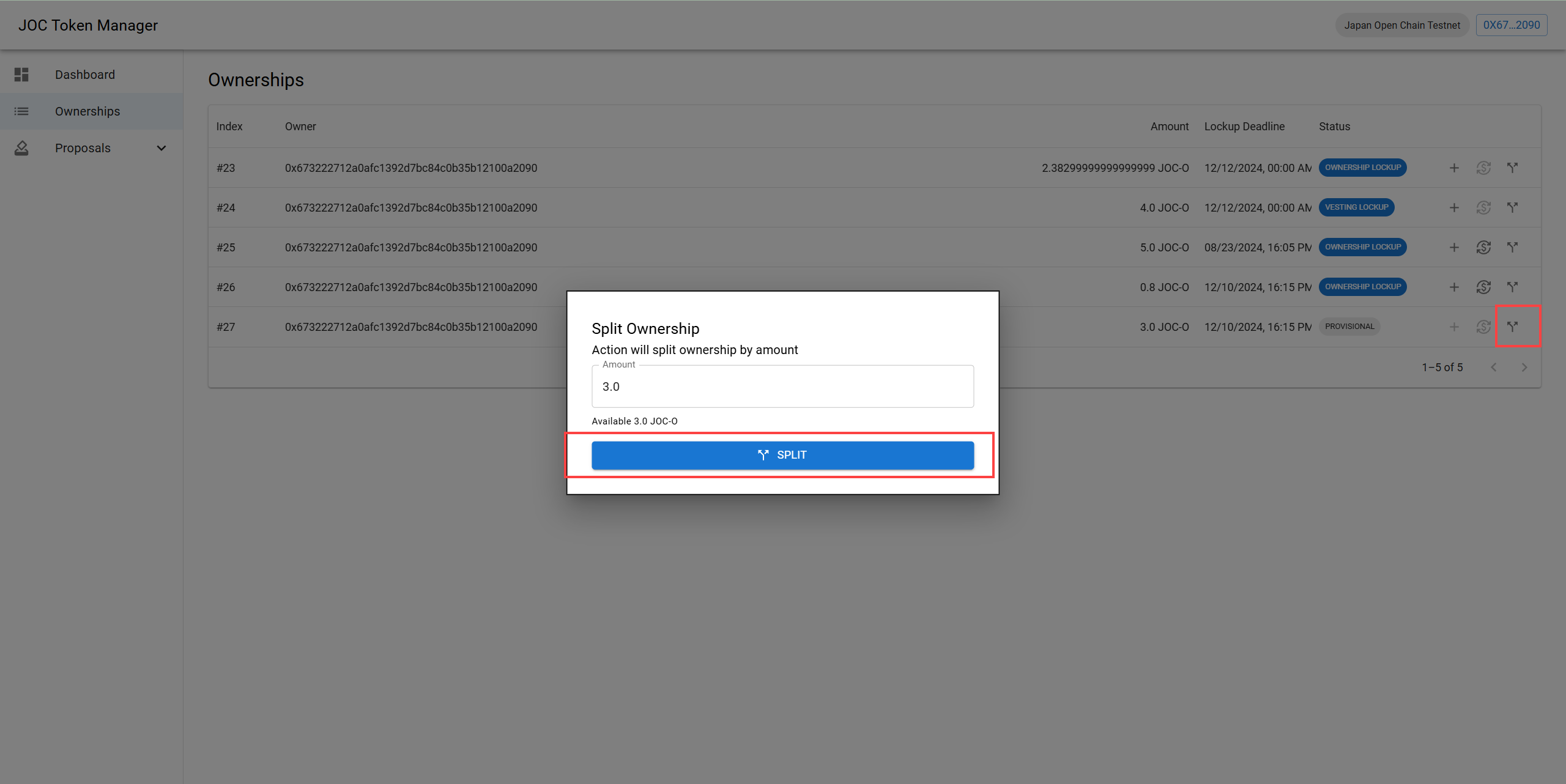
- Click the split arrow icon.
- Enter the desired amount and click the [SPLIT] button.
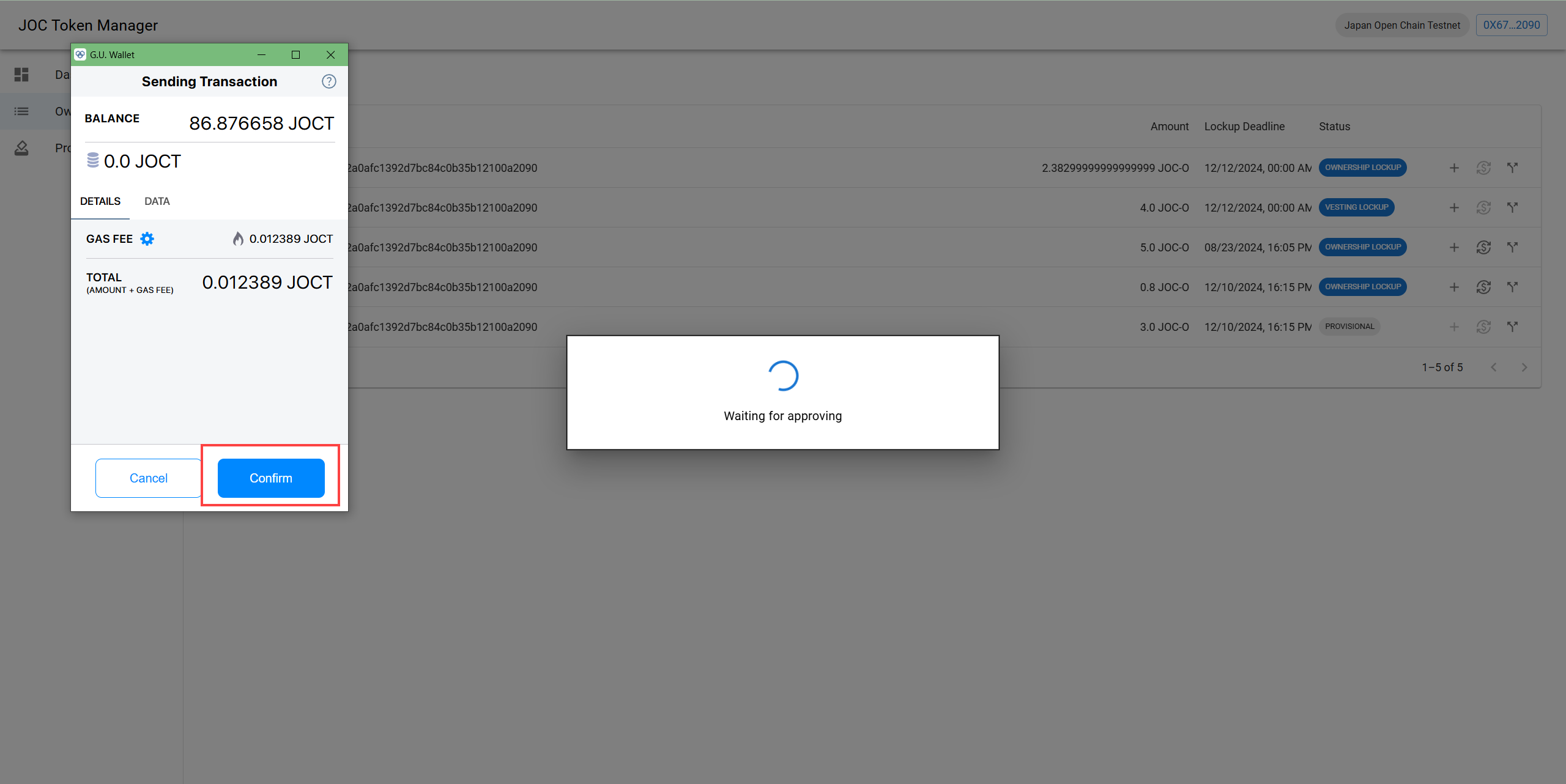
- In the wallet confirmation popup, click the [Confirm] button.
- Split successful notification screen is displayed.